The first weeks at home with a newborn come with a particular kind of vigilance — a background hum of awareness that doesn’t fully switch off even when you leave the room. A good baby monitor doesn’t eliminate that feeling, but it gives it somewhere to go. Instead of sitting next to the cot every hour of the night, you can move freely through the house, sleep in your own bed, or step outside briefly, while still staying genuinely connected to what’s happening in the nursery.
The market has expanded well beyond the basic audio receiver that was once the only option. Today’s monitors range from simple audio-only units to sophisticated video systems with pan-and-tilt cameras, two-way audio, room temperature sensors, lullabies, and AI-powered motion and cry detection. That range of capability is useful, but it also makes the buying decision more complicated than it needs to be. This guide is designed to help you sort through the options clearly — understanding what each feature actually does, which ones matter for your situation, and how to avoid paying for technology you won’t use.
Audio vs Video Monitors: Choosing the Right Format
Audio-only monitors transmit sound from the nursery to a handheld receiver. They’re simple, reliable, and generally the least expensive option. For parents who primarily want to hear their baby stir or cry, an audio monitor does exactly what’s needed without unnecessary complexity. The parent unit typically clips to clothing or sits on a bedside table, and range on modern units is sufficient to cover most home layouts comfortably.
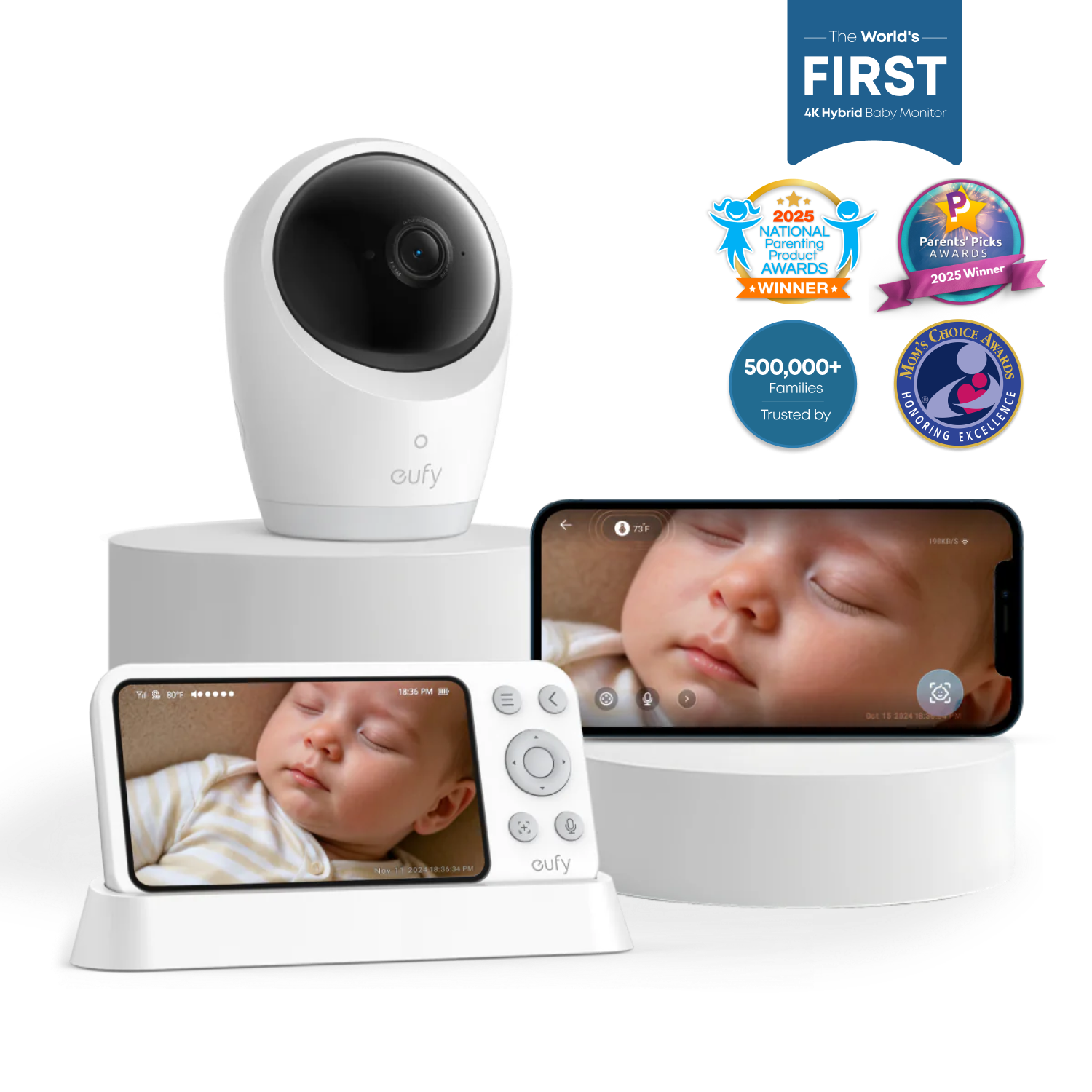
Video monitors add a camera in the nursery that streams footage to either a dedicated handheld screen or a smartphone app. The ability to see your baby — to confirm they’ve settled, check their position, or spot why they’ve suddenly gone quiet — addresses an anxiety that audio alone can’t resolve. Once parents make the switch to video, very few go back. The question is less “audio or video” and more “what kind of video system fits our home and habits.”
Dedicated Screen vs Smartphone App
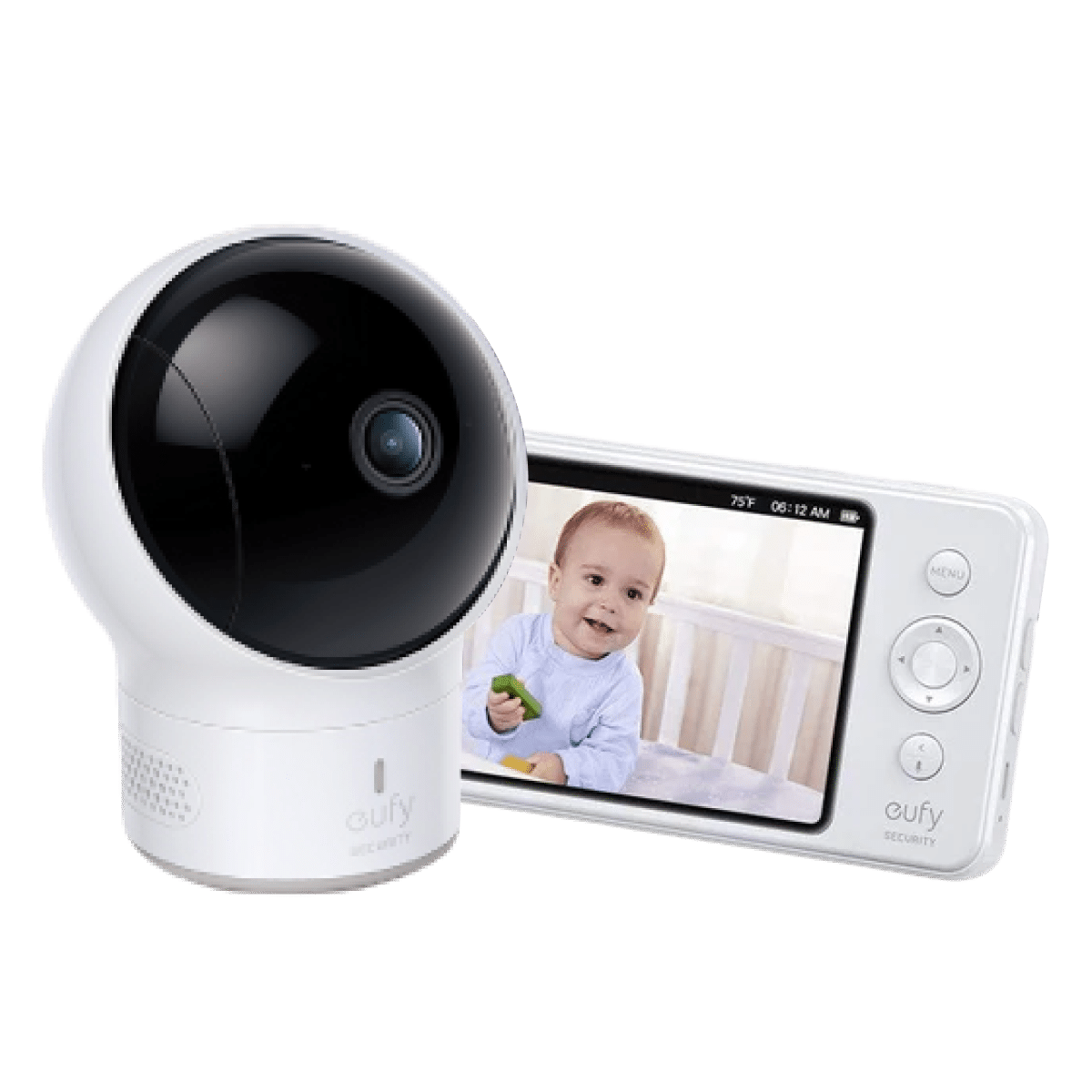
This distinction shapes the day-to-day experience of using a monitor more than almost any other specification. A dedicated screen is a standalone device that shows the camera feed without requiring your phone. It has a long battery life, stays on all night without draining your phone, and doesn’t require an internet connection to work — the camera and screen communicate directly over a local wireless signal. This means the system continues working during an internet outage and doesn’t send any footage to external servers unless you specifically want it to.
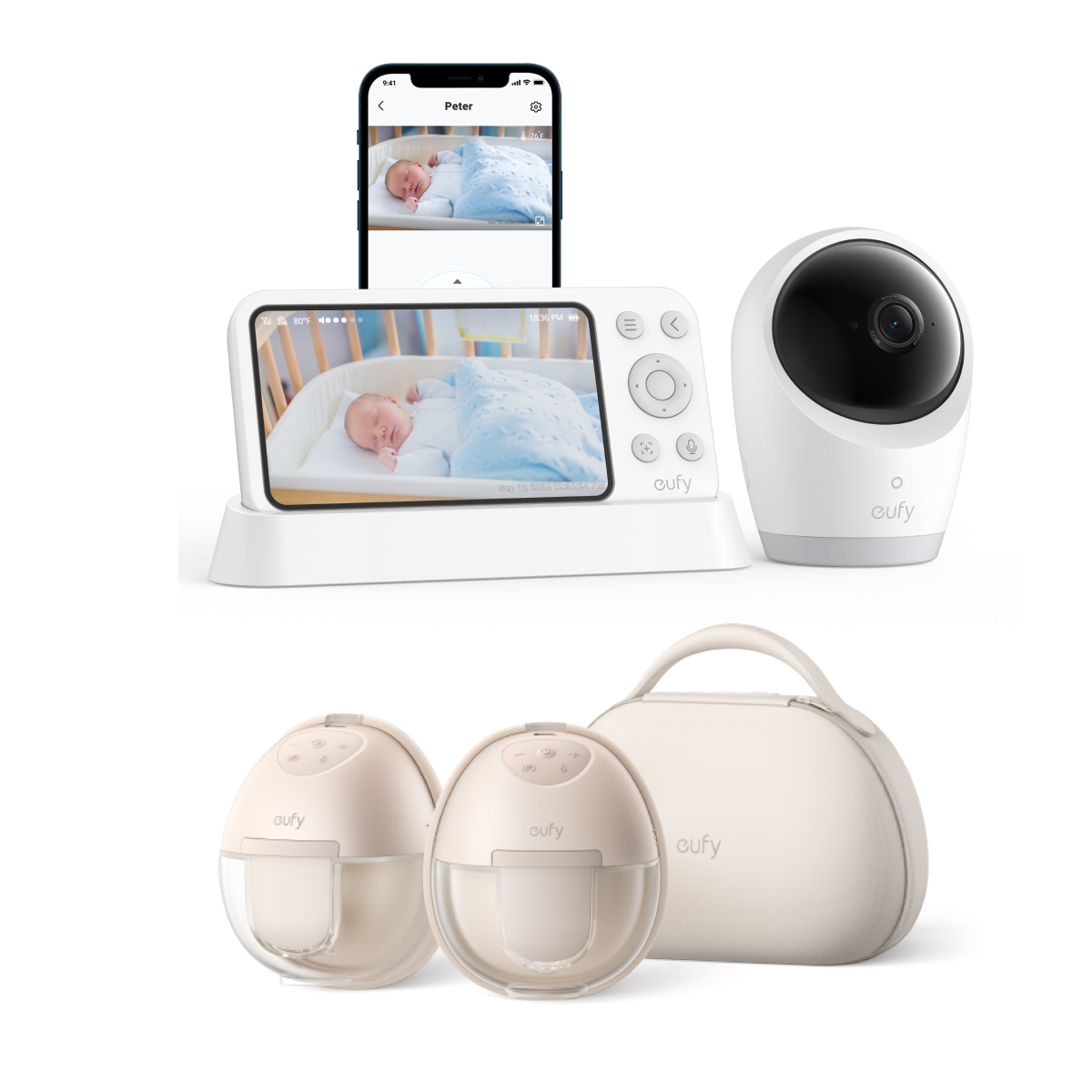
App-based monitors connect to your home Wi-Fi and stream footage to your smartphone. The advantage is convenience: you always have your phone with you, you can check in from another room or even from outside the house, and both parents can watch simultaneously on their own devices without needing a second screen. The tradeoff is dependence on Wi-Fi, which occasionally drops, and the fact that your phone battery depletes faster when streaming video continuously overnight. Some families use both — a dedicated screen for overnight monitoring and an app for daytime check-ins while moving around the house.
Video Quality and Night Vision Performance
Camera resolution matters most when you need to see fine details — whether your baby is awake or asleep, what position they’re in, or whether their eyes are open. A 1080p camera provides sharp enough detail at the distances typical of a nursery. Some premium monitors offer higher resolution, which becomes useful if the camera is mounted further from the cot or if you want to zoom in without the image breaking up.
Night vision is where many monitors fall short relative to their marketing. Infrared night vision — the most common type — produces a black-and-white image in the dark. Quality varies significantly: a good infrared system shows clear, detailed footage across the full cot; a poor one produces a grainy, low-contrast image that makes it hard to read your baby’s face or body position. Before committing to a monitor, look specifically at night vision samples rather than daytime footage, which almost any camera can render well.
Pan, Tilt, and Zoom Controls
A fixed camera covers a defined area — whatever angle it’s set to when mounted. If your baby moves to a corner of the cot, or if you want to check across the room without getting up, a fixed camera has limits. Pan-and-tilt functionality lets you remotely adjust the camera’s horizontal and vertical angle from the parent unit or app, effectively turning the camera to follow your baby or check different parts of the room. This is particularly useful as children grow and begin moving around their sleep space. Optical or digital zoom lets you fill the screen with a close-up view of your baby’s face without physically repositioning the camera.
Smart Features That Add Genuine Value
Cry detection powered by AI differs from simple sound-activated alerts. Basic sound activation triggers on any noise above a threshold — background noise, traffic outside, a sibling in the hallway — while AI cry detection is trained to distinguish a baby’s cry specifically. The result is fewer false alerts and a more meaningful notification system. Similarly, motion detection that alerts you when your baby moves in the cot is most useful when it can distinguish between a brief wriggle and sustained awake movement, rather than pinging you every few seconds throughout the night.
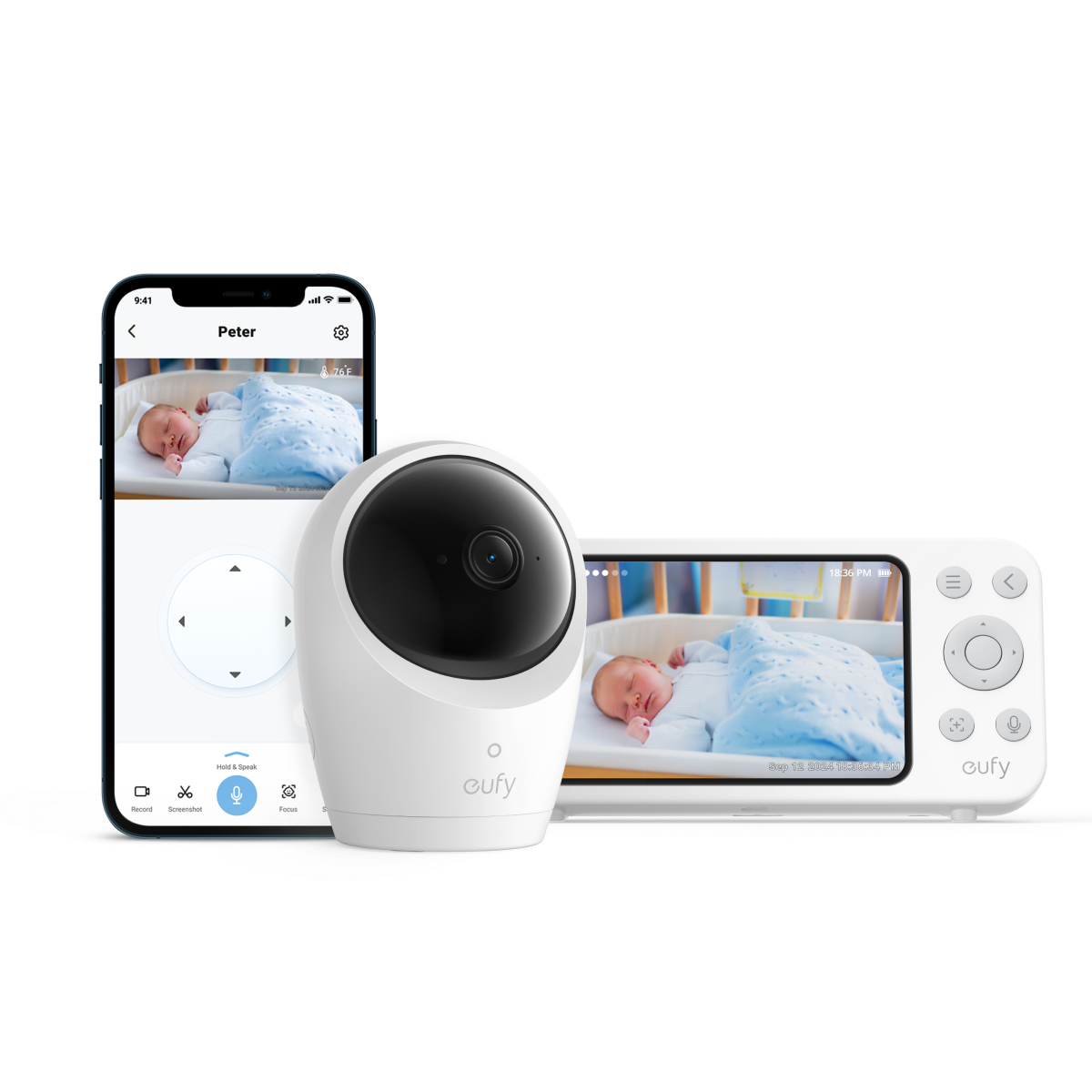
Room temperature and humidity sensors are quietly one of the most useful features in a monitor, even though they receive less attention than video specifications. Babies are sensitive to thermal comfort — a nursery that gets too warm overnight is a genuine sleep and safety concern. Monitors that display ambient temperature directly on the parent screen let you adjust heating or cooling without needing a separate thermometer in the room. Some units pair temperature data with sleep analytics to help parents understand whether environmental factors are affecting their baby’s rest patterns.
Two-way audio allows you to speak into the parent unit and have your voice come through a speaker in the nursery. For babies who are soothed by a parent’s voice, this can settle a mild disturbance without requiring a full trip to the nursery. Built-in lullabies and white noise generators serve a similar purpose — having them integrated into the monitor unit simplifies the nursery setup and removes the need for a separate sound machine. Brands like eufy have invested in combining these features into monitors that work intuitively rather than requiring navigation through multiple menus.
Range, Battery Life, and Practical Reliability
Advertised range figures for dedicated screen monitors are typically measured in open outdoor conditions, which bears little resemblance to the signal-blocking reality of a home with multiple walls, floors, and appliances. A unit rated for three hundred metres outdoors may struggle at fifty metres through two concrete walls. The practical test is whether the monitor maintains a stable connection between the nursery and wherever you typically spend time — your bedroom, the living room, the kitchen, or outdoors in the backyard.
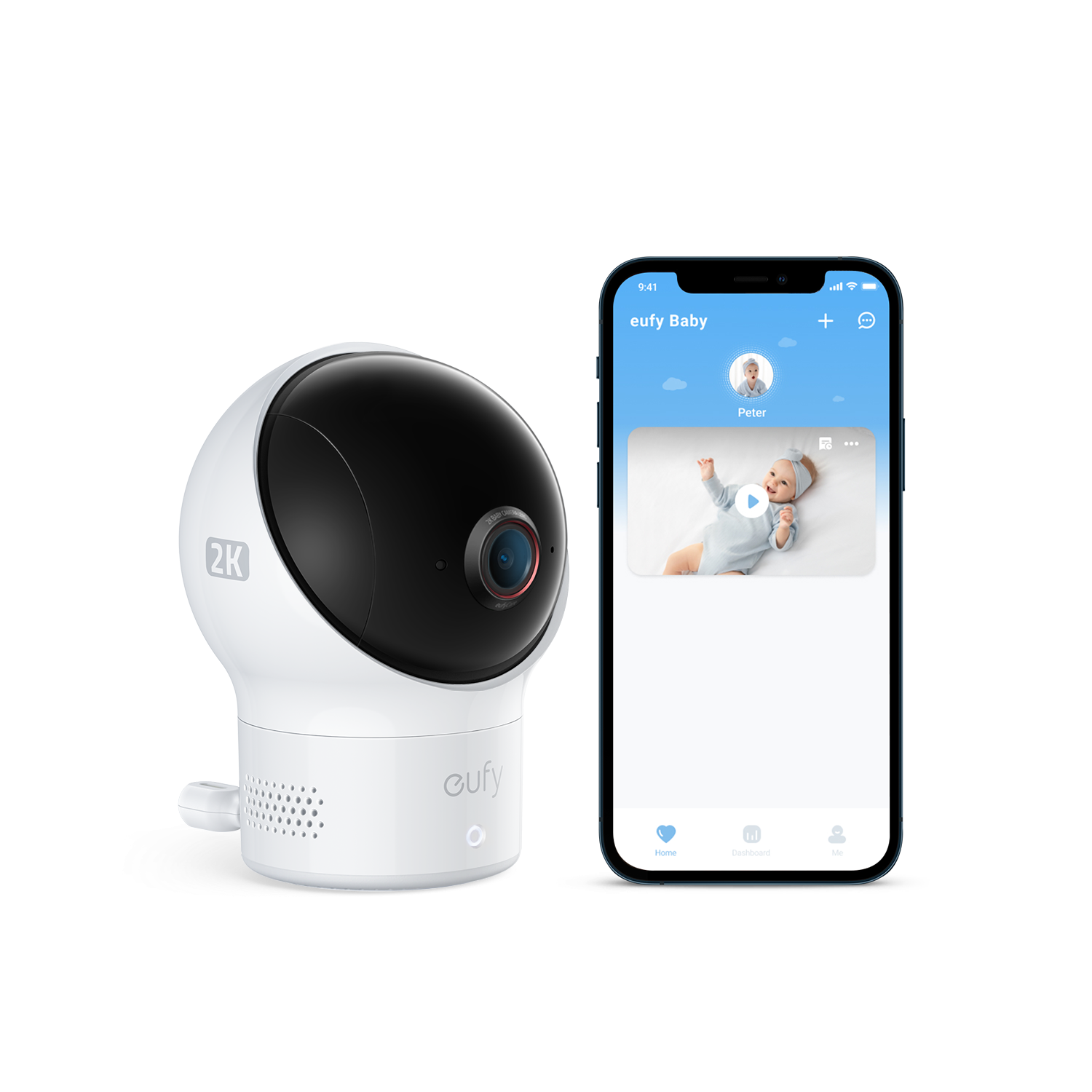
Battery life on the parent unit is critical for overnight use. A unit that needs to be plugged in all night is less flexible and more dependent on proximity to an outlet. Look for a parent unit that can run for at least ten hours on a full charge, which covers a full night without interruption. Some units display a battery indicator directly on screen so you know when to charge before overnight use begins.
App-based monitors are subject to a different reliability constraint: your home Wi-Fi. A router positioned far from the nursery, or a network that drops connectivity during the night, creates gaps in monitoring. If you’re choosing an app-based system, verify that your nursery has strong Wi-Fi signal before relying on it. A mesh Wi-Fi node near the nursery is a simple and relatively inexpensive fix if signal strength is marginal.
Finding the Monitor That Fits Your Family
The best baby monitor is the one that matches how your household actually runs. If you’re comfortable with technology and want remote access from outside the home, an app-based system with smart detection features makes sense. If you prefer simplicity, reliability without internet dependency, and a device that does one thing well, a dedicated screen monitor with solid night vision and two-way audio covers the essentials without overcomplication. Focus on real-world night vision quality, range in your specific home layout, and battery life before weighing in on extra features. Those three factors determine whether a monitor feels trustworthy night after night — and that trust is exactly what lets you get the rest you need.